
 Facebook
 Twitter
 LinkedIn

Fully Integrated with Gmail!
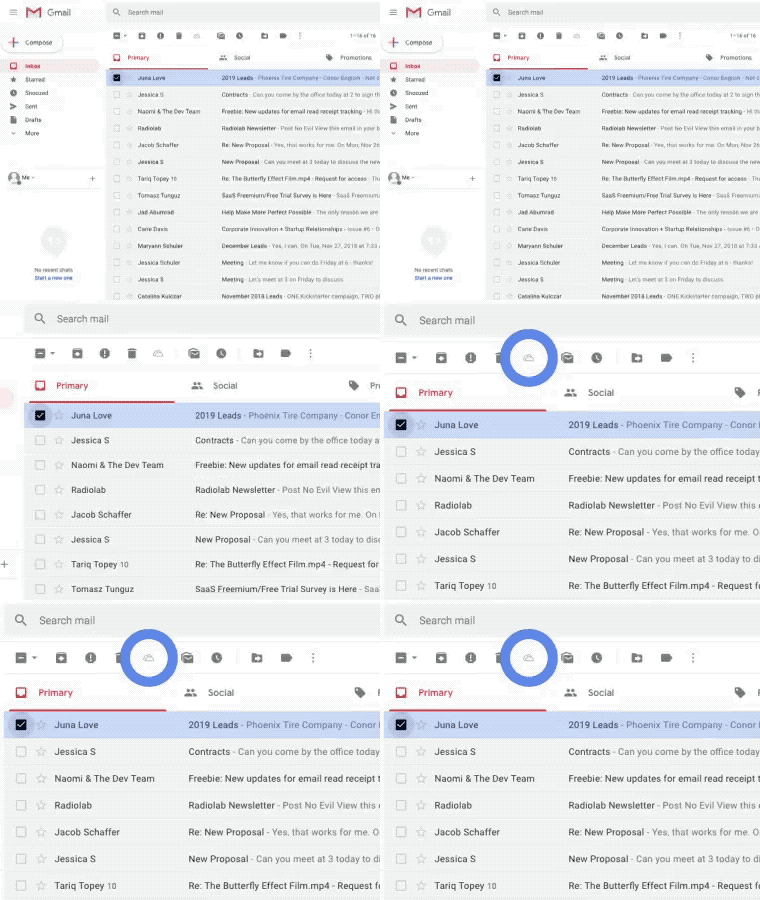
Save Emails to OneDrive is fully integrated with your Gmail email. A single click directly from your Gmail inbox saves emails straight to your OneDrive folder. You never have to download anything to your hard drive, and can enjoy the ease of a full Gmail-OneDrive integration.
Installs in Seconds
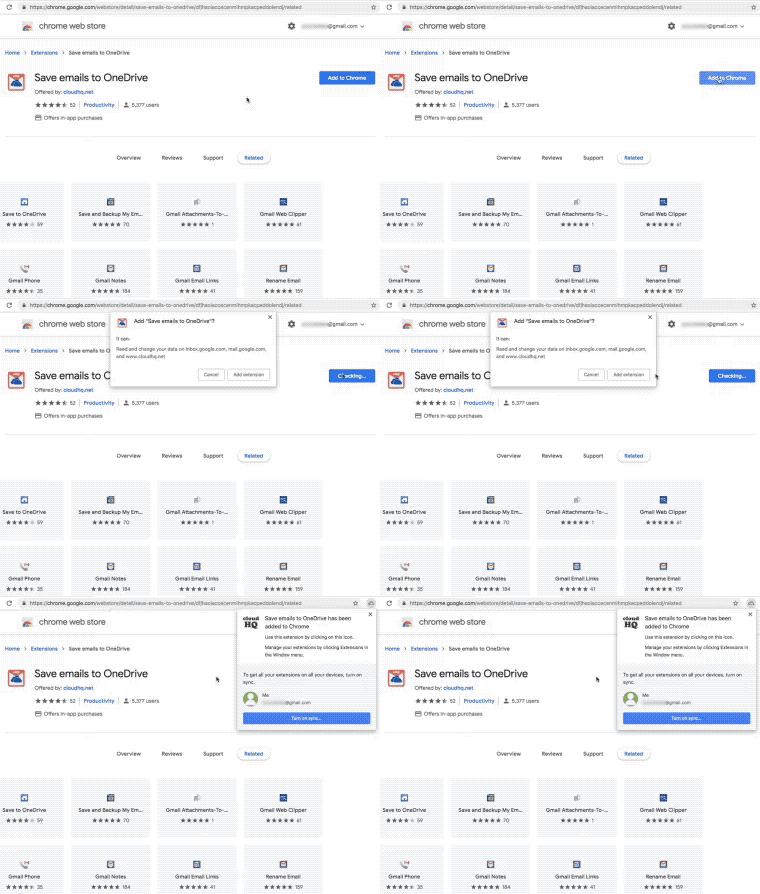
Click here, which will take you the Google Chrome Webstore. Just click on the “Add to Chrome” button on the top right, then on the “Add extension” button, and you’re ready to go.
Save Emails With One Click!
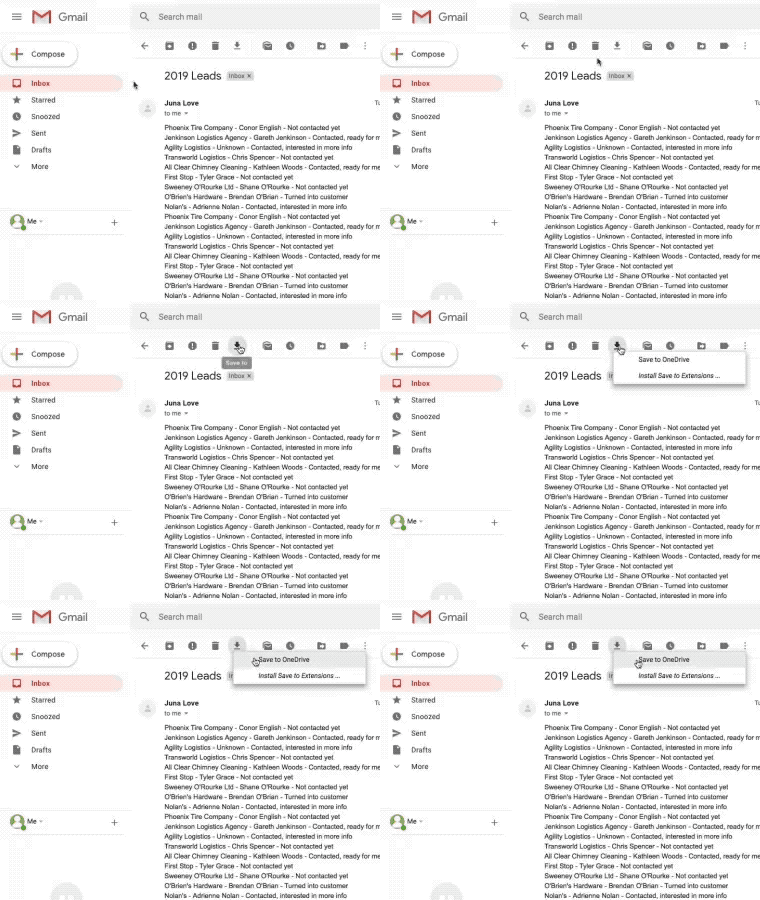
Whether you want to free up space in your inbox, or just increase security by having a backup, saving your emails to OneDrive is easy! Just click on the “Save To” button when you’re reading
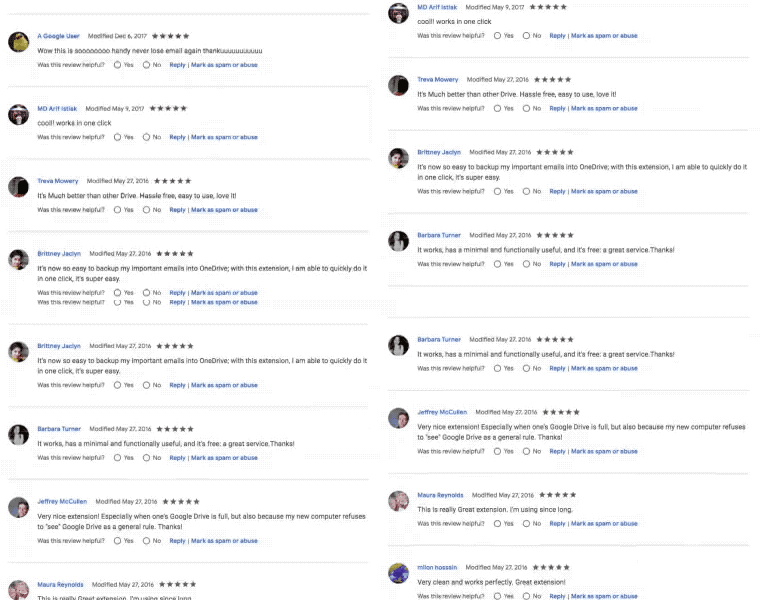
Save Emails to OneDrive has almost universal 5-Star ratings from users who’ve downloaded it in Chrome.
Near Universal 5-Star Ratings